
If you have an animated GIF and want to save it as PNG images, you do not need design software or a complicated editing app. A simple GIF to PNG converter can help you turn a GIF into high-quality PNG results directly online.
This guide explains what happens when you convert GIF to PNG, when PNG is the better format, and how to use an online converter for free.
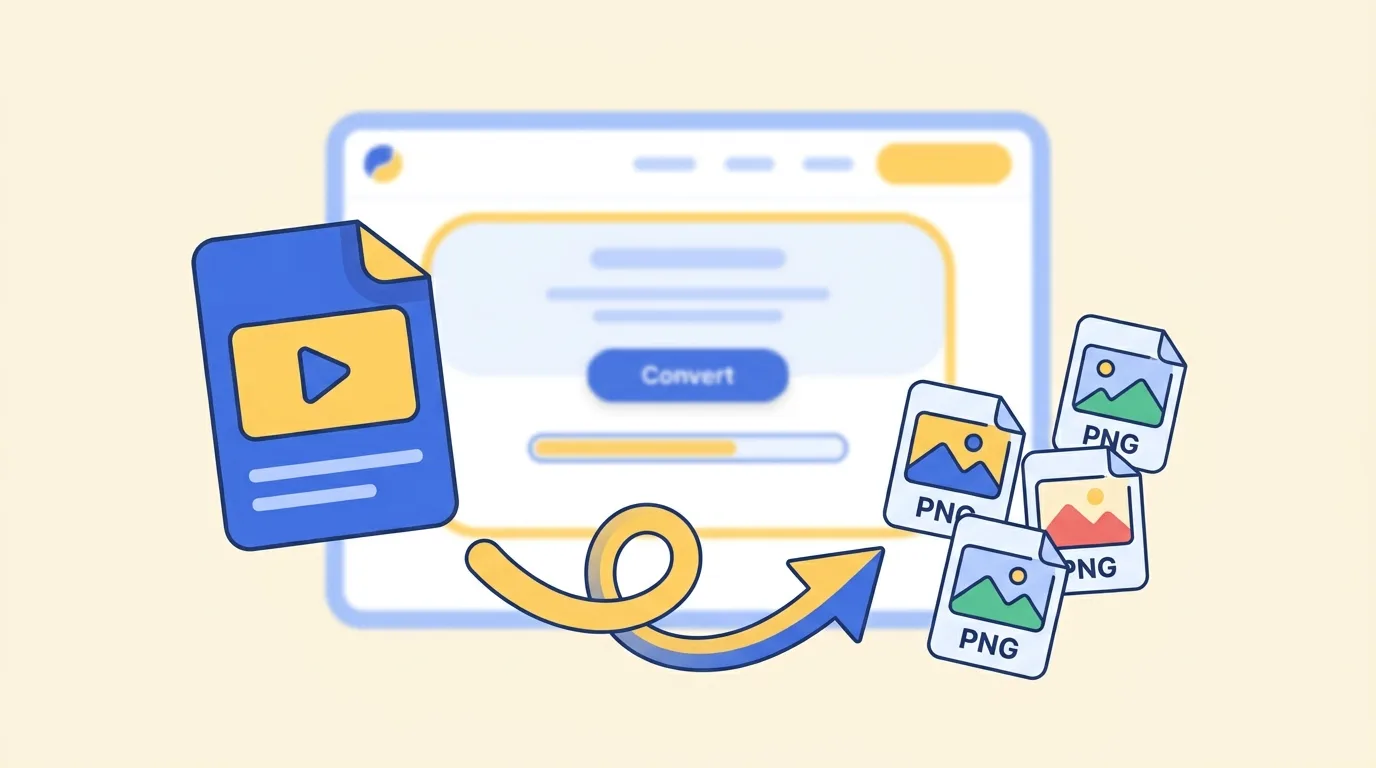
What happens when you convert GIF to PNG?
A GIF is often used for short animations, stickers, memes, and small motion graphics. A PNG is a high-quality image format that keeps details sharp and supports transparency.
When you convert GIF to PNG, the moving GIF is turned into PNG images that are easier to save, edit, share, or use in design work. This is useful when you need clean still images from a GIF instead of the animated file itself.
How to convert GIF to PNG online
The easiest way is to use an online GIF to PNG converter.
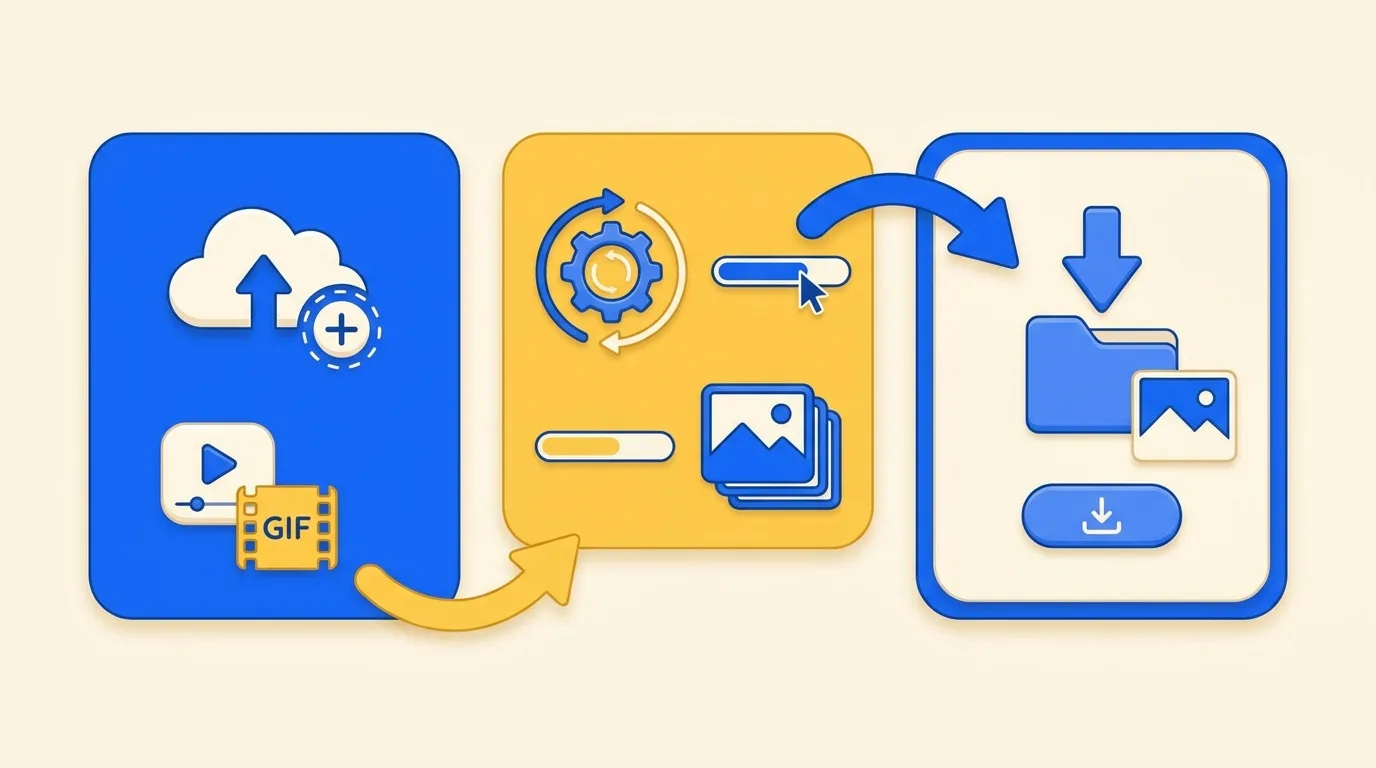
- Open the GIF to PNG converter.
- Add your GIF file.
- Wait for the conversion to finish.
- Download the PNG results to your device.
You can usually drag and drop your file into the converter, or select it from your computer or phone. Once the file is added, the conversion starts automatically.
Do I need to install software?
No. You can convert GIF to PNG online without installing software. There is no desktop app to download, no browser extension to add, and no account required before you start.
This is helpful when you only need a quick conversion and do not want to open a heavy image editor.
Can I convert multiple GIF files?
Yes. If you have several GIF files, you can add them together and convert them in one workflow. This saves time compared with converting one file, downloading it, and then starting again.
Batch conversion is useful when you are preparing design assets, collecting images for documentation, or working with several animated GIFs from the same project.
When should I use PNG instead of GIF?
Use PNG when you need a clear still image. PNG is a good choice for screenshots, transparent graphics, design assets, documentation, product images, and images that need to stay sharp.
Use GIF when you need simple animation. GIF is still useful for short loops, reactions, stickers, and memes, but it is not always the best format when you need a high-quality still image.
Why use an online GIF to PNG converter?
An online converter is fast and simple. You do not need to learn image editing software, adjust export settings, or manually take screenshots from a GIF.
A good GIF to PNG converter should be:
- Free to use
- Easy to understand
- Available in any modern web browser
- Able to handle more than one GIF file
- Simple enough for quick everyday use
For most users, that is all the conversion workflow needs to be: add your GIF, wait a moment, and download the PNG images.
FAQ
Is GIF to PNG conversion free?
Yes. You can use our GIF to PNG converter for free, with no sign-up and no watermark.
Can I convert GIF to PNG on mobile?
Yes. You can use the converter in a modern mobile browser. For very large GIF files, a desktop browser may feel faster.
Will PNG keep image quality?
PNG is a high-quality image format, so it is a good choice when you want sharp still images from a GIF.
What is the best way to convert GIF to PNG?
The fastest way is to use an online GIF to PNG converter. Add your GIF, let the tool convert it, and download the PNG results when they are ready.
Ready to try it? Open the GIF to PNG Converter and convert your GIF online for free.